
Build an animated DarkPlaces material
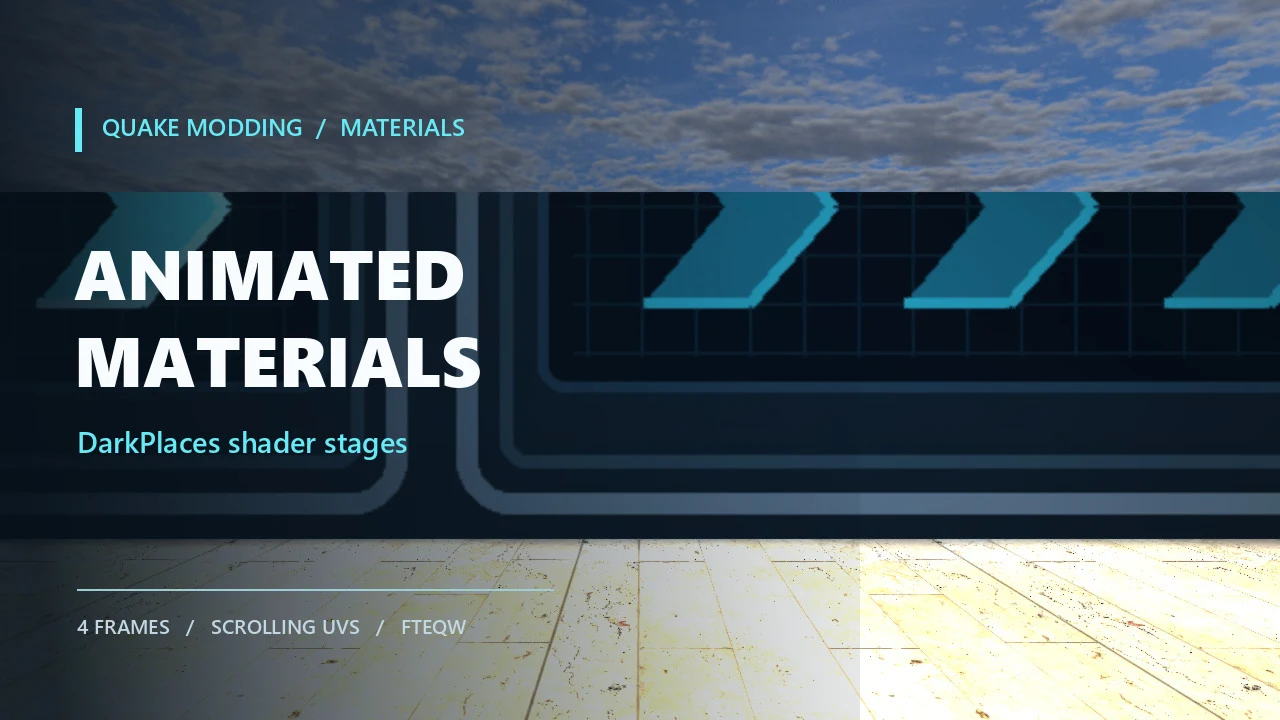
Source: https://github.com/DarkPlacesEngine/DarkPlaces/blob/master/model_shared.cA shader script can make a brush face cycle through image frames and move its texture coordinates. Here you will build a four-frame control panel: one chevron lights up at a time, while the pattern drifts slowly sideways. The example uses an ordinary Q3-style material script supported by DarkPlaces and FTEQW. The cover and test frame were captured in FTEQW from the example map.
1. Put four frames in a mod
Create a mod directory beside id1. Make four 512×256 PNGs named flow_0.png through flow_3.png. Keep the static housing at the same pixel positions in every image; change only the part that should pulse. The example material ZIP includes four original frames and the shader script below. Extract it at the mod root:
The names in the shader omit .png. If you have a compile setup that uses scripts/shaderlist.txt, add a line containing tutorial_material to that list so the compiler finds the script. The example ZIP includes a small README with that step.
2. Define the material
Save this as materiallab/scripts/tutorial_material.shader:
The outer name is the material you assign to a brush face. In a Q3 Valve-format .map file, that face normally stores the path as tutorial/flow_panel; Q3Map2 adds the textures/ prefix when it resolves the shader. The qer_editorimage line gives the editor a still image. The first rendering stage chooses a frame and moves its UVs. The second stage multiplies in the baked lightmap, so the panel sits in the map's lighting.
animMap 4 means four frames per second. With four frame names, the full sequence repeats once per second. Some older material notes describe the number as complete cycles per second; that would make this example four times too fast. DarkPlaces stores the number as the stage frame rate and advances frames from shader time. tcMod scroll 0.03 0 moves the texture horizontally by 0.03 of its UV range each second. Reduce it to 0.01 for a quieter drift, or use 0 0 if only the pulse should animate.
3. Apply it to a brush and test
Assign textures/tutorial/flow_panel to a visible wall face in your editor. Give it enough area to read at normal camera distance; the example uses a 512-unit-wide wall face and a 1:1 texture scale. Compile the map with a Q3 BSP toolchain that reads the shader list, then launch DarkPlaces with -game materiallab or start FTEQW with that game directory active. In the console, load your map with map yourmapname. The panel should pulse through all four frames while the pattern travels gently across it.
For a first test, keep the panel opaque and use the two stages above. blendFunc filter on the lightmap stage multiplies its lighting over the animated image. If you later add transparency or additive glow, test the resulting stage order in both target engines: DarkPlaces does not treat every Quake III multipass shader as an unrestricted stack of draw passes.
4. Change the motion deliberately
- Pulse speed: change animMap 4 to animMap 8. Four frames then loop twice per second.
- Direction: change tcMod scroll 0.03 0 to tcMod scroll 0 0.03 for vertical movement.
- No drift: remove the tcMod line. Frame animation still works.
- Edge behavior: use animClampMap in place of animMap if you need each frame clamped at its edges rather than repeated. Check the final look in the engine you ship.
Reload the map after changing script or image files; for renderer state that stays cached, run vid_restart. If the wall shows the editor image but never changes, check the shader name on the face, confirm the compiler and engine can find tutorial_material.shader, and check that the four PNG paths exist exactly as written. A loose file in a higher-priority game directory can override the copy inside a PK3.
Sources and compatibility
This example was rewritten from the archived DarkPlaces material-system introduction and stages notes, then checked against the DarkPlaces material parser and shader frame selection code. The test map and cover were rendered in FTEQW using the actual four-frame shader. Material support can differ at the edges between engine builds, so test the finished mod in its target build.
Tags: DarkPlaces, FTEQW, shader, animMap, materials, Quake modding
Comments